v1.0.36  ·  Linux desktop wallpaper

The Earth
right now, on your desktop.

A living wallpaper that renders the actual current state of the planet. Day/night terminator, real-time clouds, city lights that come on at dusk, cities you care about, and the natural hazards happening this hour. Multi-monitor, ultrawide-aware, quiet on battery, and it stands aside when you're playing a game.

git clone https://github.com/sungam3d/EarthWall.git && cd EarthWall View on GitHub →

Not a photo. The Earth as it is, updated every few minutes.

The map is composited fresh: NASA Blue Marble day and night imagery, blended along the current solar terminator. Real-time cloud cover from a matched satellite composite lays on top. City markers with live weather. When the sun sets on Tokyo, the yellow lights come on.
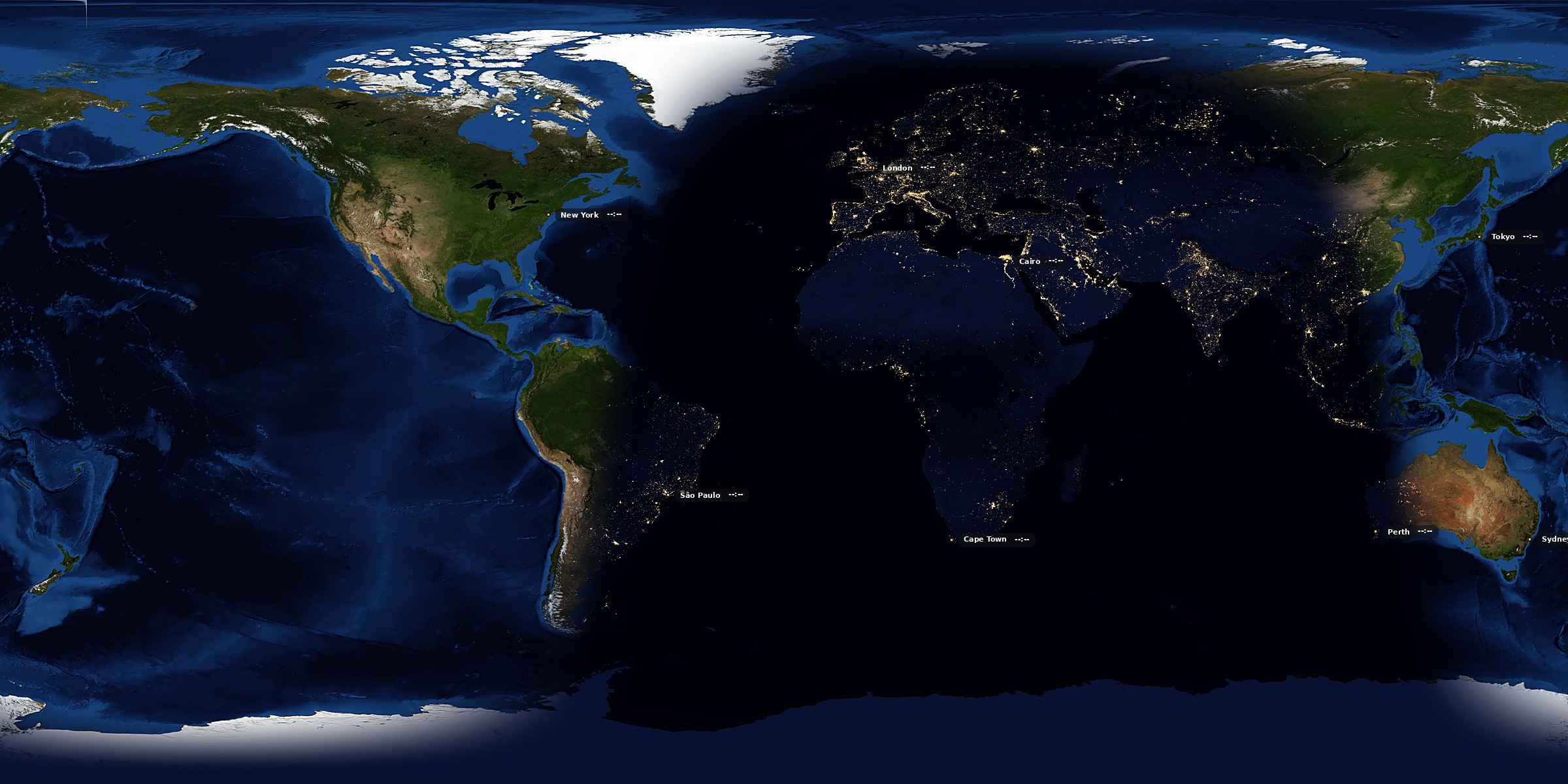
Full Earth wallpaper: night side over Americas with visible city lights, terminator crossing Africa, day side over Asia
WORLD · SUB-SOLAR 22:00 UTC 2400 × 1200 · CENTRE −20°E
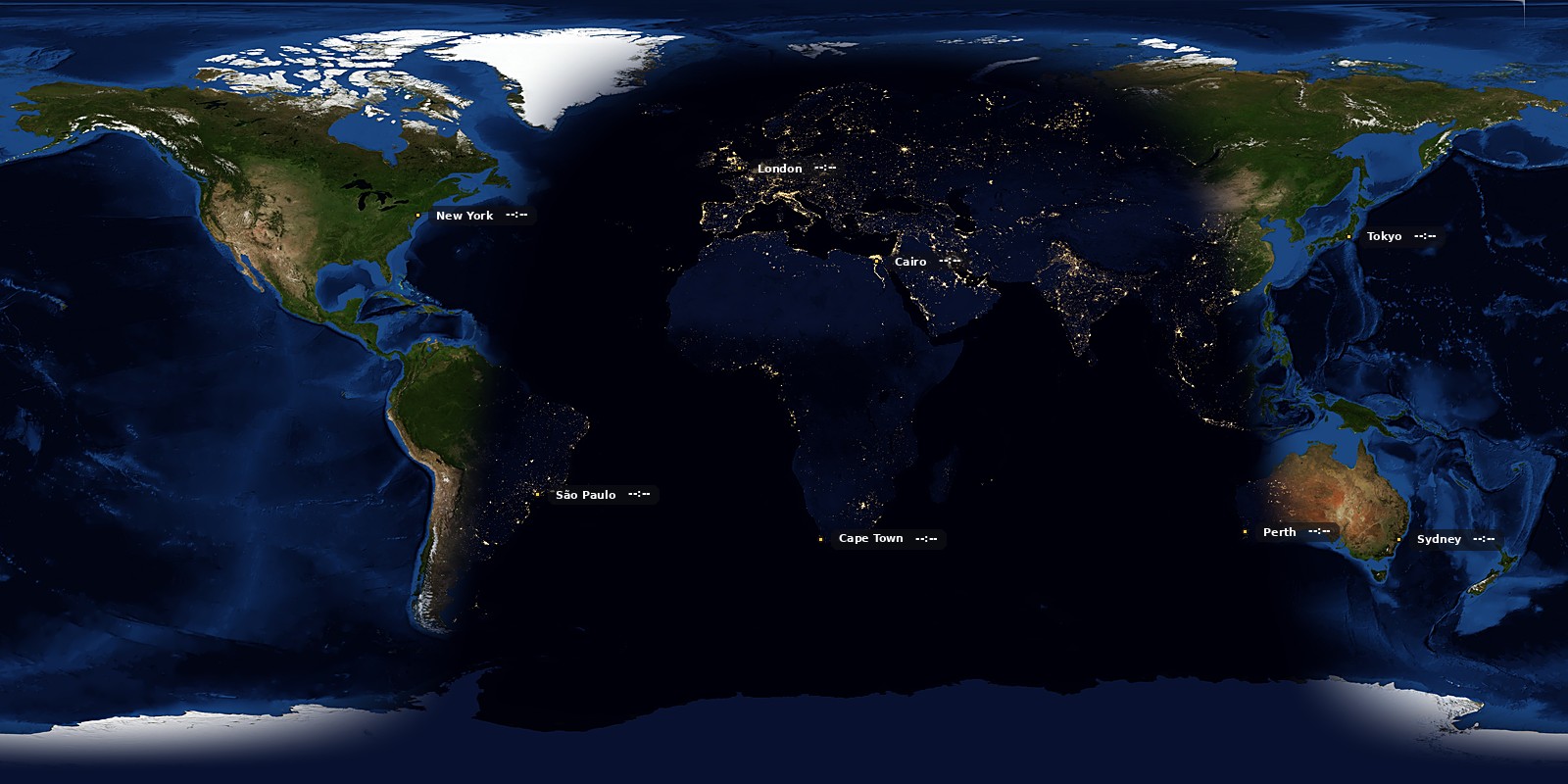
Detail view centred on Europe showing weather-tagged cities
DETAIL · EUROPE / AFRICA CENTRE +10°E
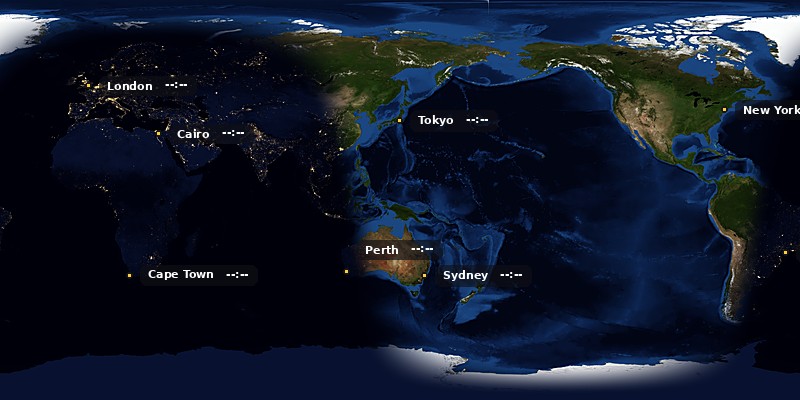
Pacific-centred view with city lights over Australia and Southeast Asia
DETAIL · PACIFIC RIM CENTRE +140°E
Layers of the world happening.

Cities carry names, local time, and current weather. Real cloud cover drifts across the day side. And when the earth trembles or a storm spins up in the Atlantic, EarthWall picks it up from the same public feeds meteorologists use — and puts it on your desktop.

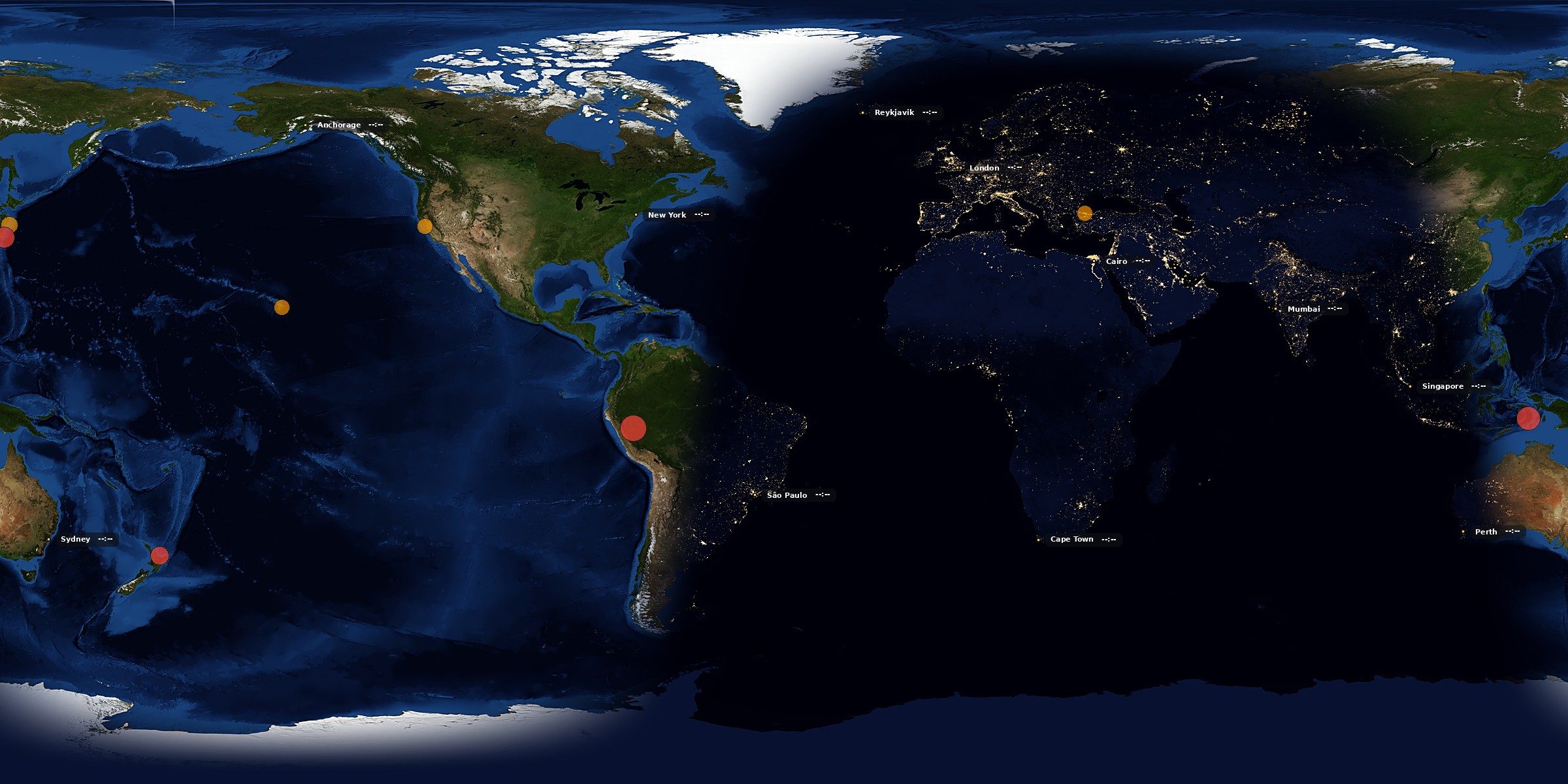
World map with cities labelled by name and weather, earthquake markers on the Ring of Fire, and a hurricane track curving up the US east coast
CITIES · QUAKES · STORM TRACK M ≥ 4.5 · NHC ACTIVE · CENTRE −40°E

Cities you care about.

Add any city with a name and coordinates. Optional live weather from Open-Meteo (temperature in °C or °F, condition icon), optional local time, and a marker whose size and label offset you can tune per city.

OPEN-METEO · MANUAL LIST

Real clouds.

A near-real-time cloud composite lays on top of the day imagery, updated every three hours. Opacity and density are sliders — turn them all the way up for meteorologist-mode, all the way down for a clean planet.

MATTEASON GLOBAL COMPOSITE

Earthquakes the moment they happen.

USGS feed, filtered by magnitude threshold and time window (past hour, day, week, or month). Choose the marker shape, colour, and size; optionally label each with its magnitude number.

USGS · FDSN · M ≥ THRESHOLD

Hurricanes as they turn.

NOAA National Hurricane Center feed. Current position plus the forecast track if you want it. The storm marker sits on the map at the last-observed lat/lon; the track line curves toward projected landfall.

NOAA NHC · CURRENT + FORECAST
Earth render with heavy cloud overlay showing weather patterns
CLOUDS · OPACITY 85% 3H REFRESH

Every layer is optional.

Nothing you don't want on your desktop lands on your desktop. Live clouds off gives you the clean Blue Marble composite. Hazards off gives you a peaceful planet. City weather off gives you just the names. Every overlay is a checkbox with a slider or two behind it.

Turn them all on and your wallpaper reads like a meteorologist's briefing wall. Turn them all off and it reads like an atlas plate. Neither is more correct.

Every monitor knows its place.

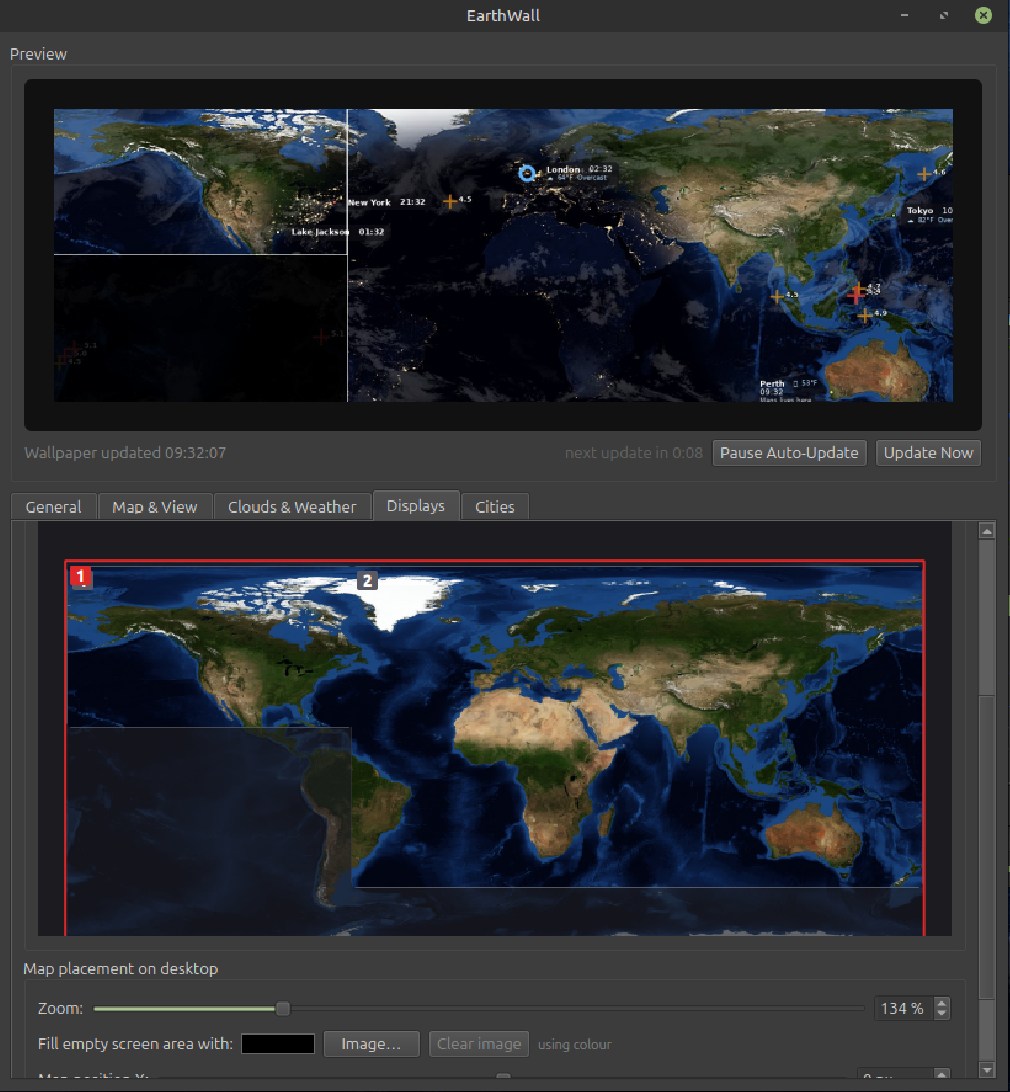
EarthWall reads your monitor layout — sizes, positions, primary — and paints accordingly. Mismatched screens, diagonal arrangements, hot-plug in the middle of a session: it just updates. And the on-screen editor shows exactly where the map lands on your physical desktop.

EarthWall application window showing preview at top and Displays tab with two monitor rectangles overlaid on the map
UI · DISPLAYS TAB DUAL · 1920×1080 + 3840×2160

Three modes, one wallpaper.

Pick how the map spreads across your screens. The choice fits your setup, not the app's assumptions.

  • M1
    Mirror
    One image, every monitor sees the same view. The DE handles the copy — you configure a single render.
  • M2
    Stretch
    One continuous map spans the whole virtual desktop. Natural 2 : 1 aspect preserved; leftover space is your choice of colour, image, or tiled map.
  • M3
    Custom
    Each monitor gets its own zoom, longitude, offset, and fill. A studio can watch New York on the left screen and Tokyo on the right.
Multi-monitor stretch mode render showing where the map lands on two mismatched monitors
STRETCH · DUAL MISMATCHED · MONITOR OVERLAY VISIBLE VIRTUAL 5760 × 2160

Made for the wide ones.

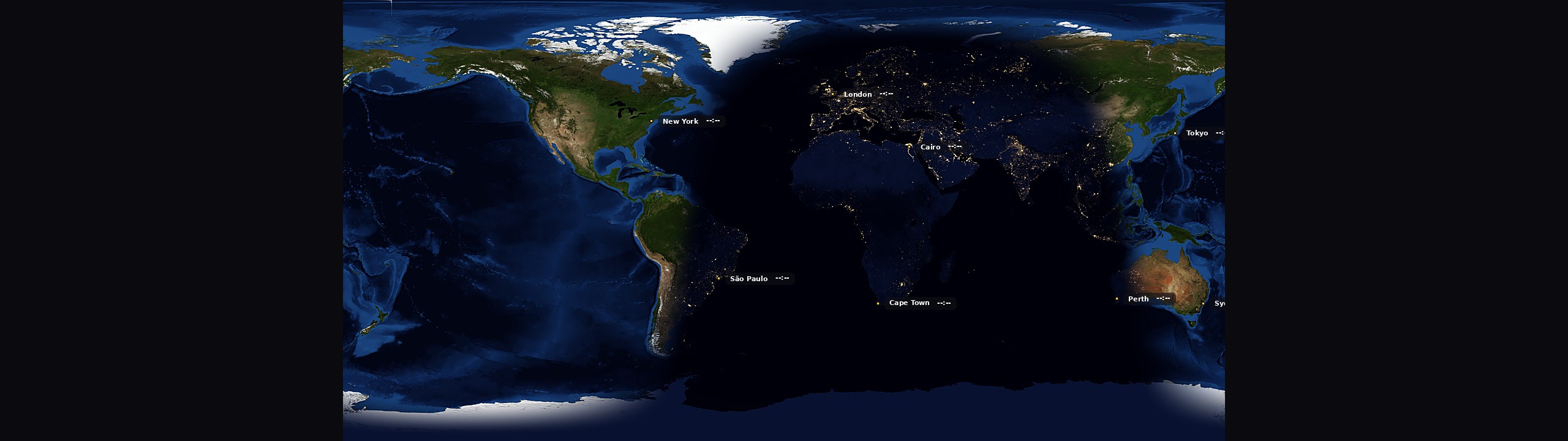
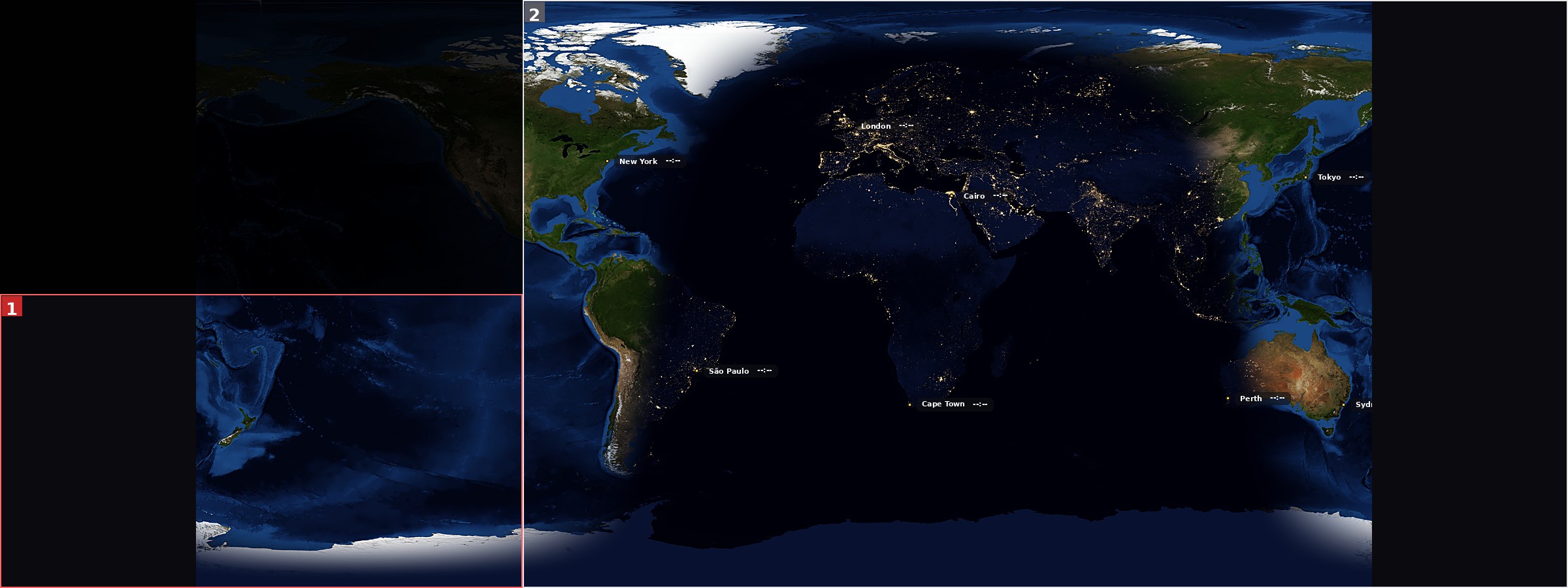
A natural equirectangular map is 2 : 1. Your ultrawide isn't. EarthWall can tile the map horizontally — seamlessly, because the antimeridian wraps — so a 32 : 9 super-ultrawide fills with globe instead of black bars.

OFFNatural 2 : 1 · void bars
32:9 render with tile map disabled: map centered in the middle with black void bars on each side
ONTiled · seamless wrap
32:9 render with tile map enabled: map tiled horizontally with no visible seam between copies

Point the map at what matters.

A single slider rotates the whole map around the globe. The layout stays put, the image scrolls, and the seam wraps because the right edge of the map is the left edge of the next longitude. Centre on your city, your ocean, or the empty Pacific.

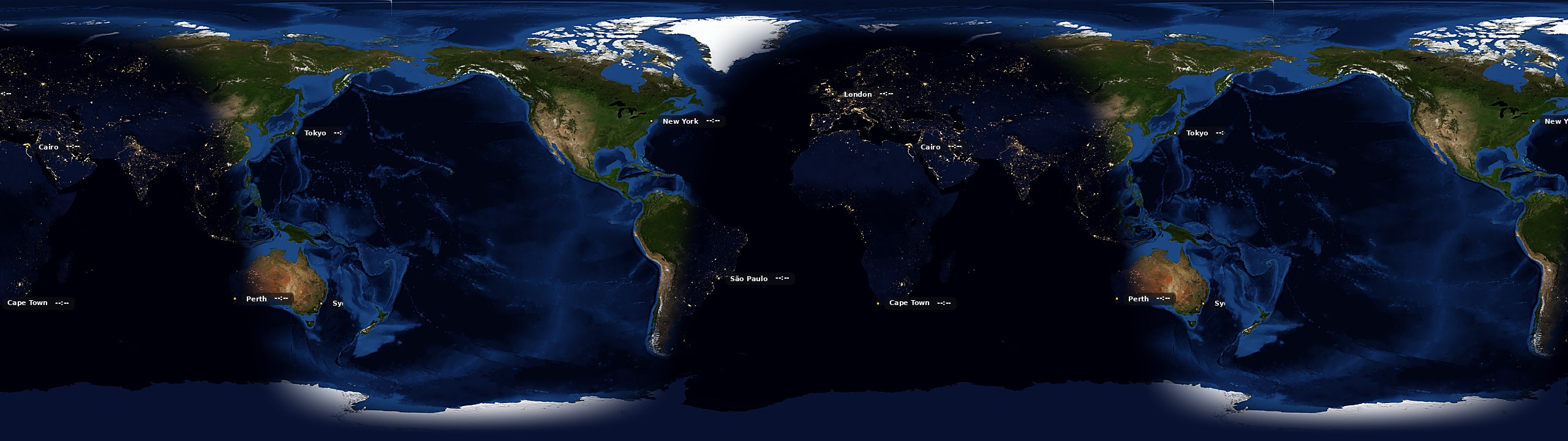
Map centred over the Americas
AMERICAS−90°
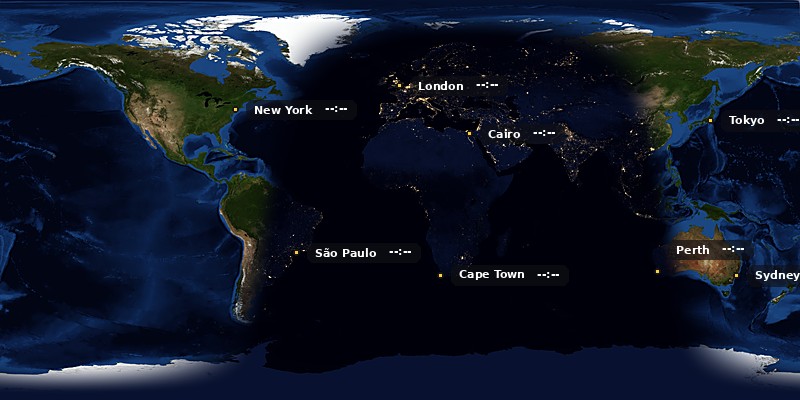
Map centred on the Atlantic ocean
ATLANTIC
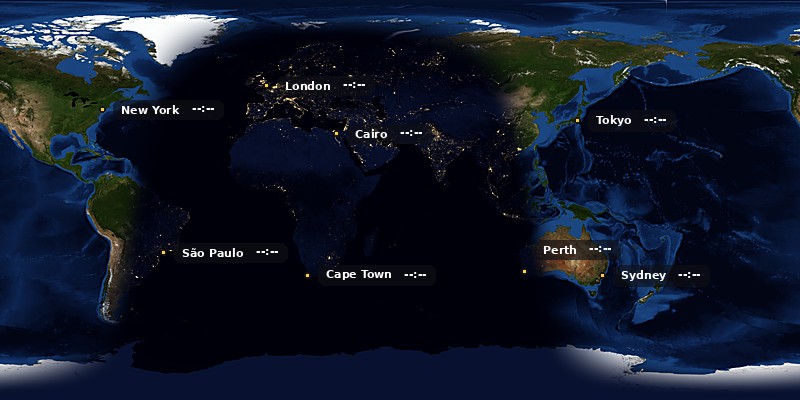
Map centred over India and the Indian Ocean
INDIA+60°
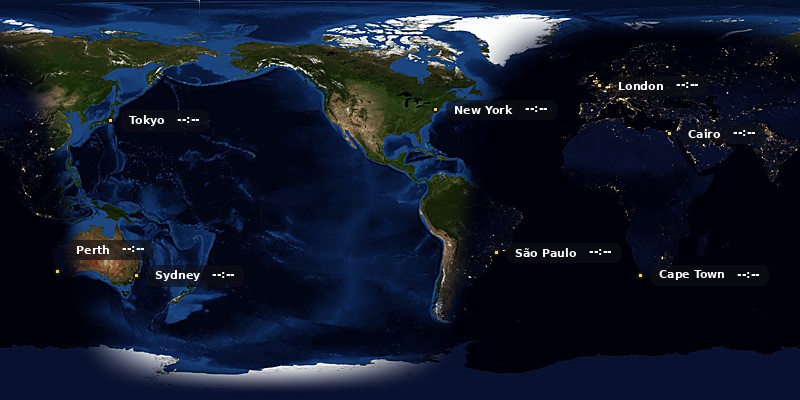
Map centred over the Pacific and Australia
PACIFIC+140°

Sliders and checkboxes, not config files.

The whole app is controlled from five tabs in one window. Everything you can change is a slider, a checkbox, a colour swatch, or a number entry — and everything updates the live preview at the top of the window the moment you touch it, so you always know exactly what you're going to see on the desktop.

Runs behind everything else you're doing.

EarthWall is meant to be running all the time, quietly, on whichever machine you're at. Which means it has to be a good citizen — cheap on battery, invisible when you're focused, and portable between the machines you use.

07.1

Low usage mode.

Caps render resolution at 1920×1080 and switches to bilinear resampling. Best on laptops on battery, or when you've got a busy machine and EarthWall is one of many things wanting cycles.

MEASURED−44% CPU
07.2

Stands aside for games.

Watches for an X11 fullscreen window and skips its scheduled updates while one is active. Your game gets every cycle it wants; EarthWall resumes the moment you exit. Manual "Update Now" still runs regardless.

DETECT_NET_WM_STATE_FULLSCREEN
07.3

Profiles for the way you work.

Save the whole config — every setting, every city, every overlay — as a named snapshot. "Home 4K + hazards," "Travel laptop clean," "Presentation still." Swap from a dropdown; each saved as a JSON file you can share.

PATH~/.config/earthwall/profiles
07.4

Export and import.

Spent an evening dialling in a look you love? Export it to JSON, copy it to your other machine, import. Automatic timestamped backup of the previous config before every import, so you can roll back with one click.

FORMATSINGLE JSON
07.5

Autostart and tray.

Set to start automatically on login and launch straight to the tray icon. Nothing pops up; the wallpaper just appears. Click the tray icon to open the settings when you want to change something.

WHERESYSTEMD USER UNIT
07.6

Handles hot-plug mid-session.

Plug in a second monitor while the app is running; it debounces the signal storm, re-detects the layout, updates the display-mode picker, and repaints — without freezing whatever tab you were on. No restart required.

DEBOUNCE300MS · Qt + POLL

Small install, quiet lifetime.

One Python venv, one systemd user unit if you want autostart, a tray icon that stays out of your way. Linux only — X11 and most Wayland compositors. GNOME, KDE, XFCE, Cinnamon, MATE, and Sway are all tested and wallpaper-application is DE-specific under the hood.

# Clone the repo
$ git clone https://github.com/sungam3d/EarthWall.git
$ cd EarthWall

# Create the virtual environment
$ python3 -m venv .venv

# Activate it - pick the line that matches your shell
$ source .venv/bin/activate          # bash / zsh
$ source .venv/bin/activate.fish     # fish

# Install dependencies and launch the app
$ pip install -r requirements.txt
$ python -m earthwall.gui

# (Start-in-tray is a checkbox in the General tab - once you
#  set it, autostart on login will launch to the tray.)
3 MONITOR MODES
−44% CPU · LOW USAGE
~3h CLOUD REFRESH
M ≥ 4.5 USGS QUAKES
NHC HURRICANE TRACKS